
Guides
Everything here is meant to be read once and then not needed again. Pick the thing that's bothering you, do the ten minutes it asks for, and get on with your evening.
Start Here
The four that cover most of it. If you only read one, read the first.
-
How to Block Websites and Apps on Any Device
You can block websites and apps on any device with tools that are already built in: Screen Time on iPhone, Digital Wellbeing on Android,...
-
The Tech-Free Bedroom vs. the Digital Alternatives
There's no single 'best' bedroom clock; it depends on what you want from your mornings. A sunrise lamp eases you awake with light; a...
-
How to Build a Bedroom That Helps You Sleep
The fastest way to sleep better often isn't a supplement or an app; it's the room. Temperature, darkness, quiet, and what's glowing on your...
-

Screen-Free Parenting: A Calmer Approach to Kids and Screens
Screen-free parenting isn't about banning screens or winning a daily fight; it's about building a few calm habits that make screens less central to...
By Device
The same job on four different machines. They are genuinely different — Android in particular does not work the way you'd expect.
-
How to Block Websites and Apps on iPhone
iPhone has everything you need built in: Screen Time blocks both websites and apps, with no app to install. It lives in Settings and...
-
How to Block Websites and Apps on Android
Here's the honest answer most pages bury: Android (and Chrome on Android) has no built-in way to block a single website. Digital Wellbeing can...
-

How to Block Websites in Chrome
Chrome on a computer can't block a website on its own; there's no built-in setting for it. Instead you add a free extension like...
-
How to Block Websites on a Chromebook
How you block a site on a Chromebook depends on who owns it. A personal Chromebook uses a supervised Family Link account, where you...
Phone Storage
What happens when a phone is somewhere you can't reach it.
-
What Is a Faraday Bag? (And How to Choose One)
A Faraday bag is a pouch or box lined with conductive material that blocks all wireless signal. Seal your phone inside and nothing gets...
-
How a Faraday box makes a phone truly silent
A Faraday box doesn't hide your phone — it silences it. The lining stops wireless signal at the wall of the box, so no...
-
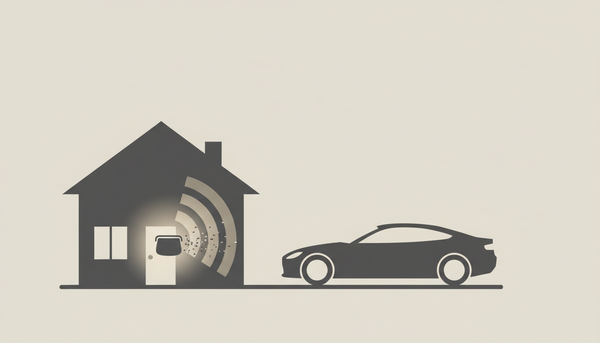
RFID blocking, explained: keyless car theft and relay attacks
Keyless car theft works by relaying the signal from your key fob — even while it sits on a table inside your home. Blocking...
Attention & Habits
Smaller changes. Cheap to try, easy to undo if you hate them.
-

How to make your phone greyscale — and why it helps you put it down
Color is part of what keeps you reaching for your phone: bright icons and red notification badges are designed to pull your eye back....
-
A Nutrition Label for Your Attention
Food comes with a nutrition label; your attention rarely does. Most digital products are built with additives (blue light, tracking, AI-tuned feeds, infinite scroll)...
Product Instructions
Setting up the thing you bought.
-
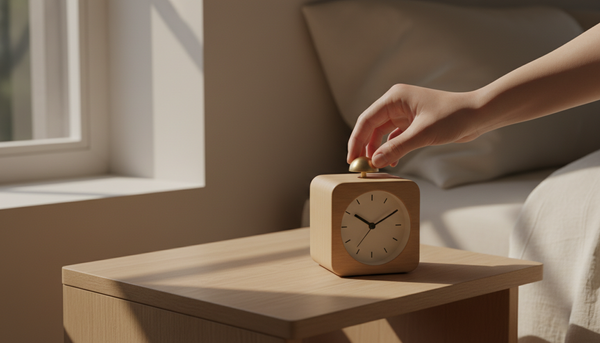
How To Use Bagby Alarm Clock - Instructions
Your Bagby clock has four hands on the face and five controls on the back. Set the time and alarm with the two knobs,...
-
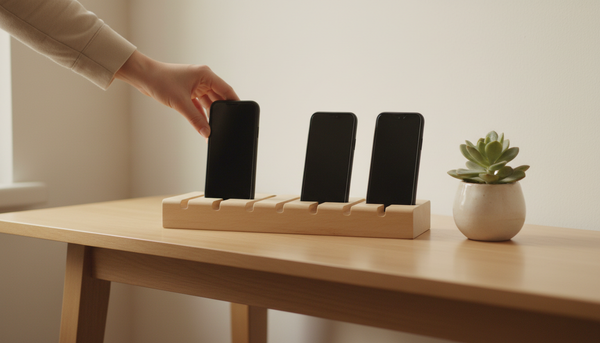
How To Use Bagby Phone Holders
There is nothing to set up - that is the point. Everyone drops their phone into a pocket, and the table or the room...
-

How does an analog alarm clock work?
An analog alarm clock keeps time with a battery-powered train of gears regulated by an oscillating wheel, which moves the hands around a numbered...
